마음에 남다
to stay with you
From a paused video 08:14
Save a useful word from Safari, YouTube, or with AI. TIAB keeps its meaning and where you found it together in your private bank.

to stay with you




Select it on the web, ask your AI in the same conversation, or snap a photo. TIAB brings the word, a suggested meaning, and its original context together—ready for one quick check.
I was nervous at first, but I’m finallygetting the hang of it.
Select the words you want to keep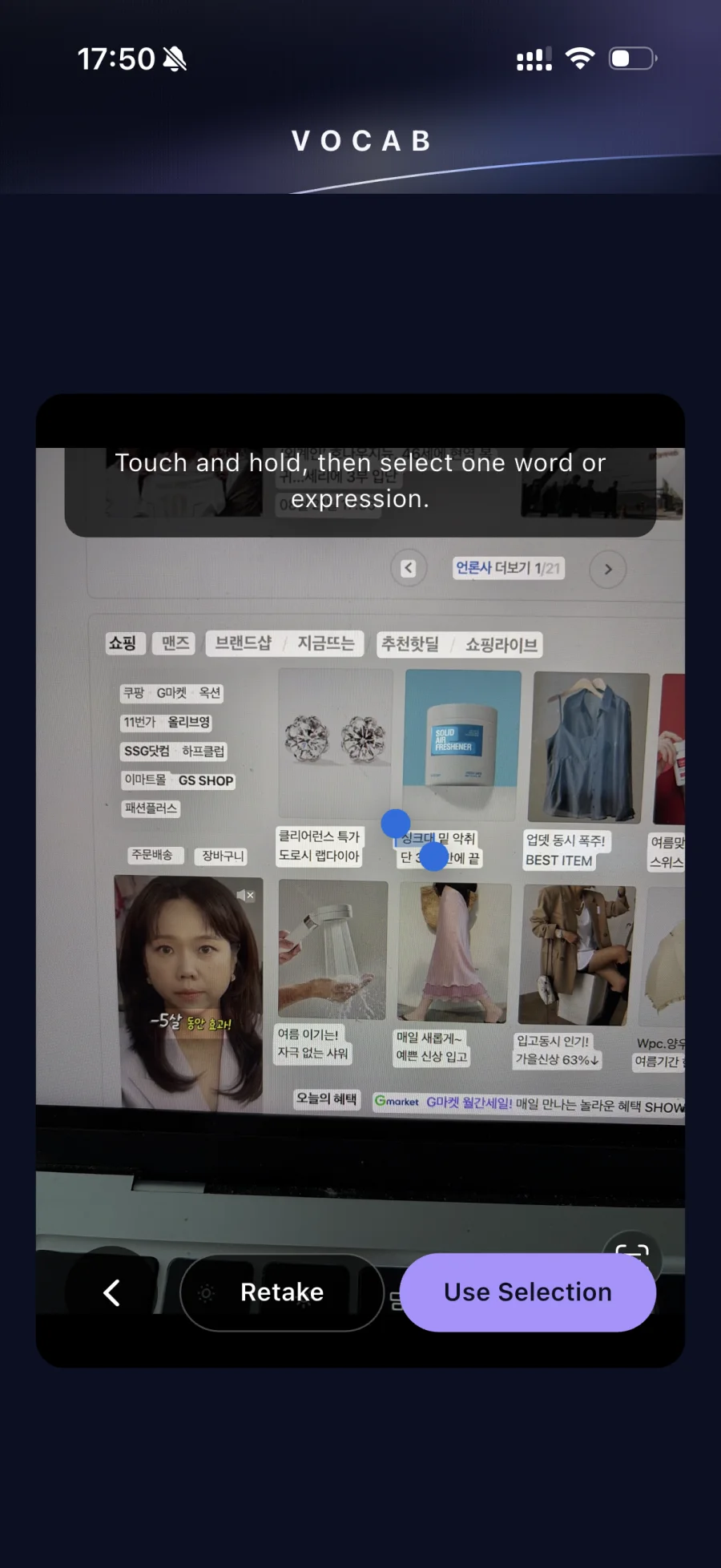
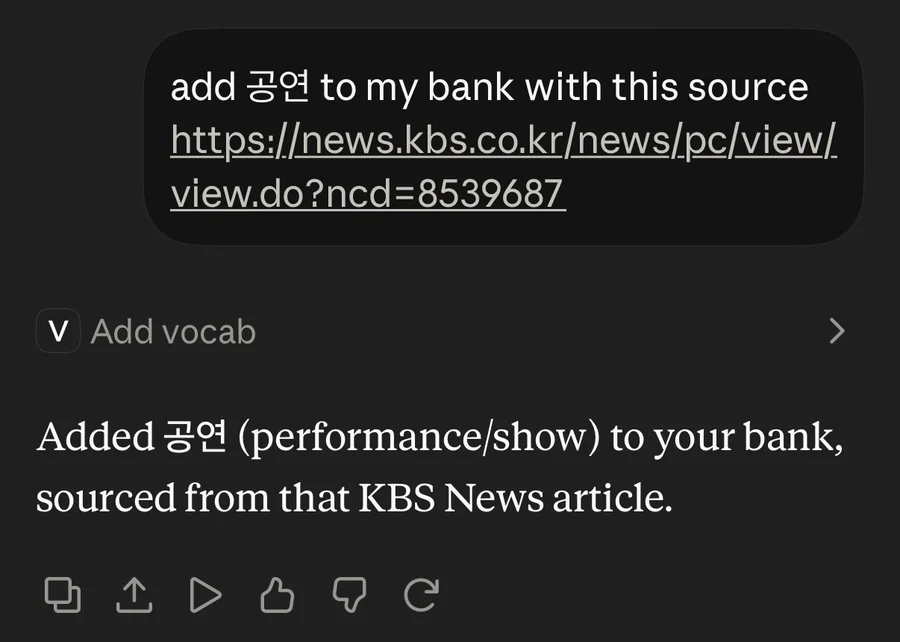
Select a useful word from a page or video.
Ask TIAB to add it while you chat.
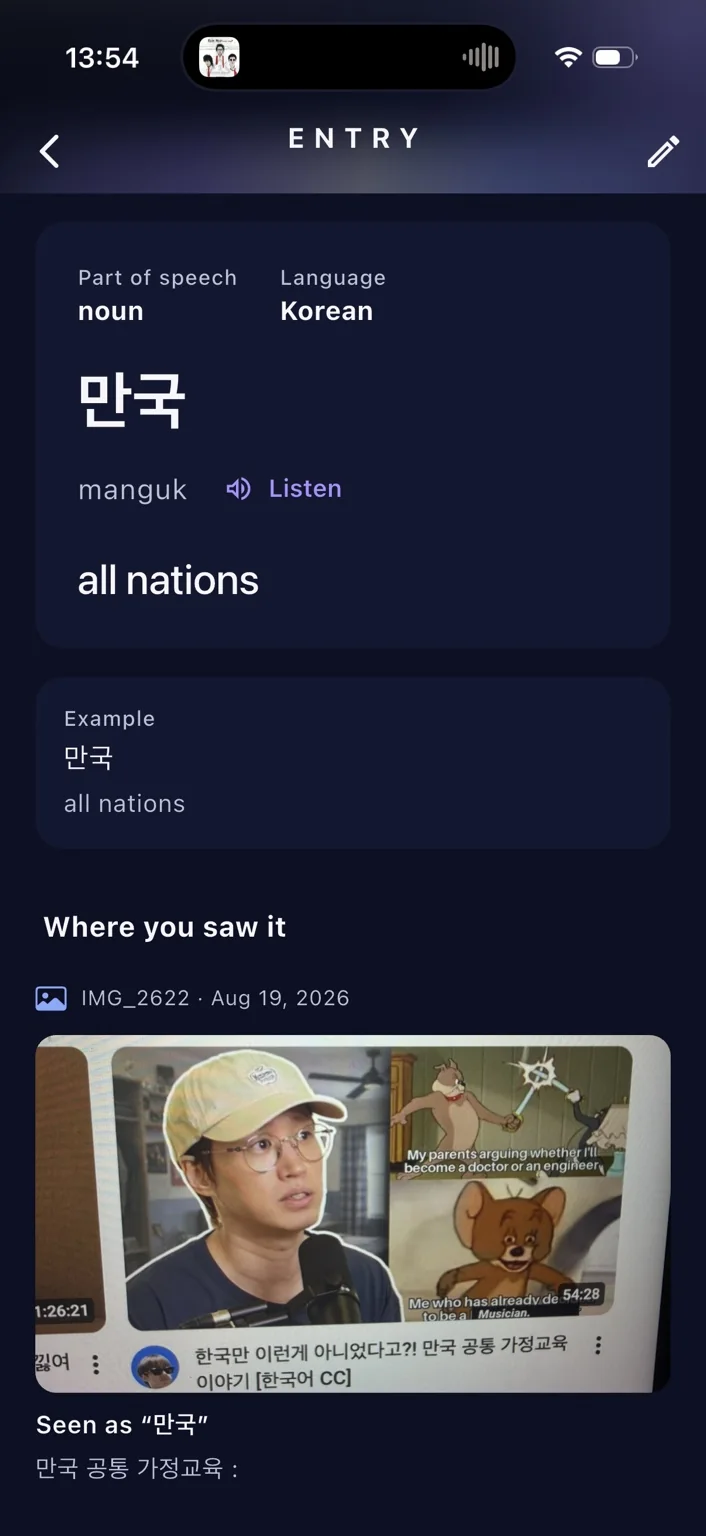
Capture text from something in front of you.
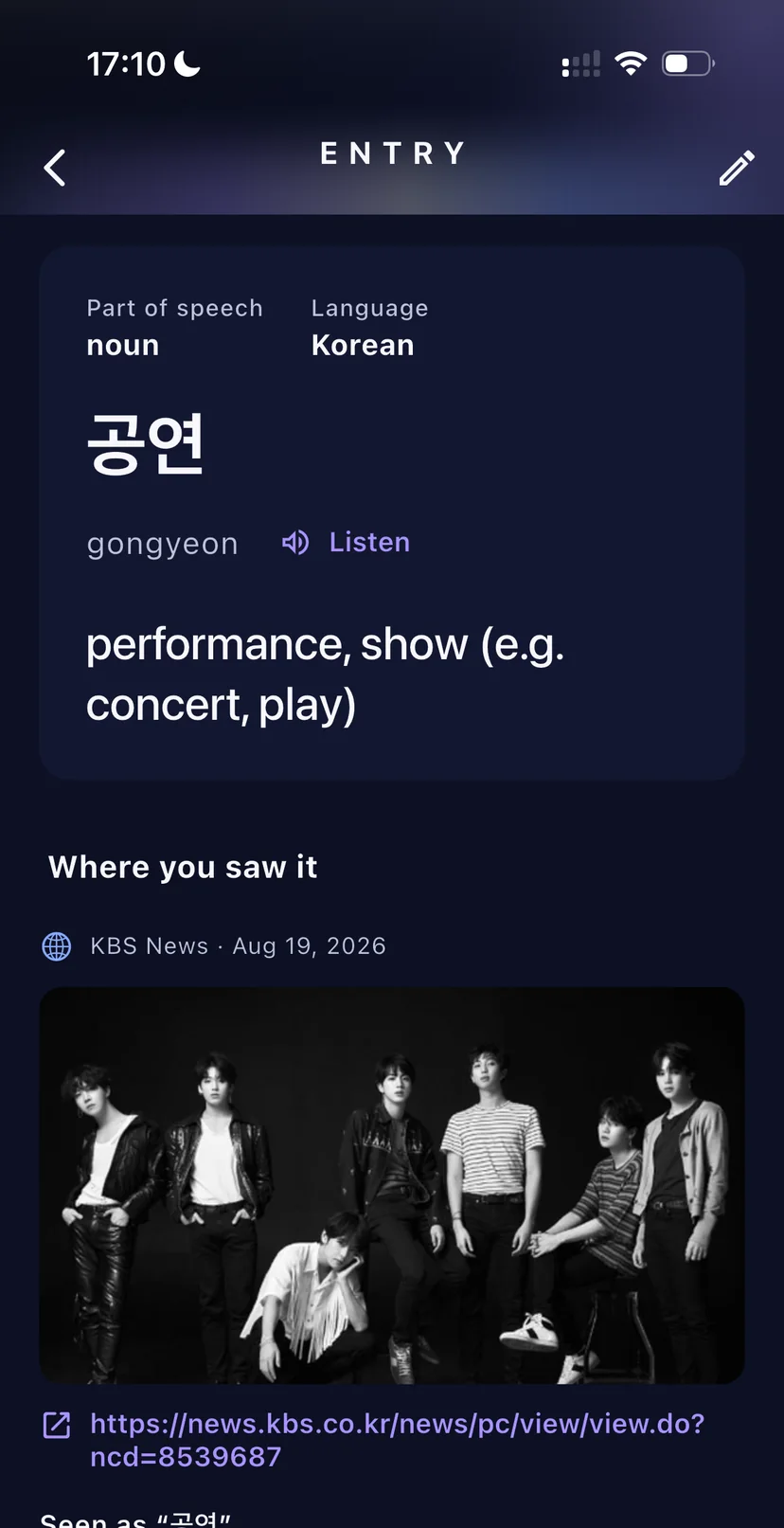
You stay in control. Check what TIAB prepared, then save it with its context.
A quiet prompt brings a saved expression back when you have a moment to remember it. TIAB then uses your own review history to focus a short quiz on what deserves another retrieval.
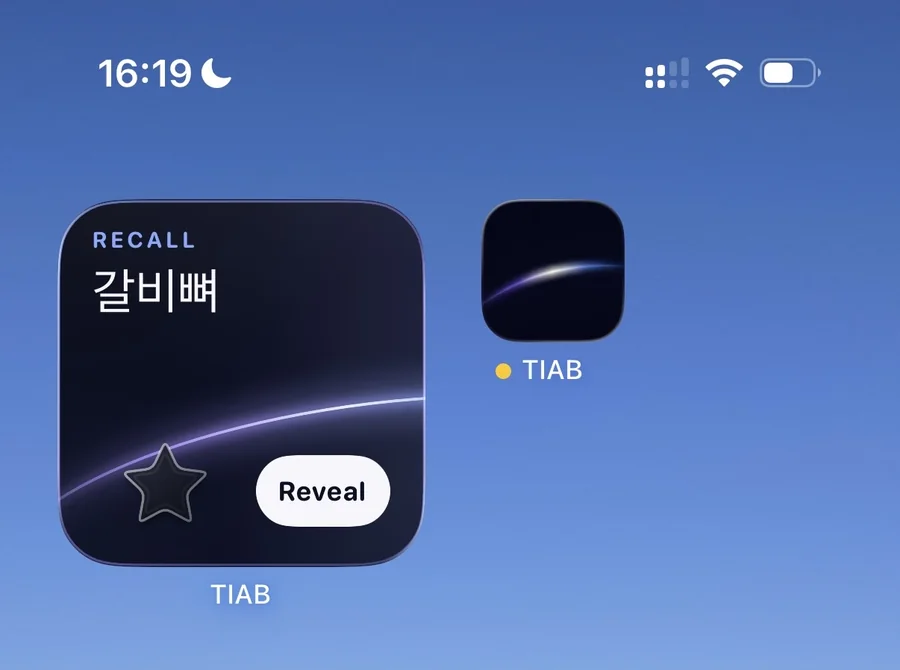
Priority is calculated from saved encounters and review events—not from a generic vocabulary list.
Answering from memory does more than rereading alone. TIAB asks you to retrieve meaning and wording before it reveals the saved context.
Read the vocabulary-learning studyReviews are distributed over time instead of packed into one sitting. A result changes when that expression becomes due again.
Read the distributed-practice reviewThese learning principles are well supported by research. TIAB’s current scoring and scheduling rules are a custom, explainable implementation—not a claim that the exact algorithm has been independently validated.
Every saved expression begins as a new star. Review evidence changes its structure from learning to familiar to strong, while the exact expression count always stays visible. Progress is evidence, not a streak or a guess about fluency.
Illustrative bank2,143 expressions captured · 1,287 currently familiar
Save it with its moment. TIAB will help you find your way back.
The short version: TIAB keeps vocabulary, context, and review evidence together in one private bank.
TIAB is a private language-memory bank for expressions you encounter while watching, reading, talking, or working with an AI assistant. It keeps the wording and source context together, then uses that bank for search and short recall quizzes.
Add an expression directly, send a word from Safari or YouTube, or ask your AI to save it. Check the proposed details once, then put the word and its source into your private bank.
Yes. TIAB is designed to preserve the encountered expression and its source context, so review can return to the moment that made the wording useful rather than showing an isolated flashcard.
TIAB prioritizes expressions using your own review evidence. New and lower-confidence vocabulary receives more weight, due items rise as their review date arrives, and recent encounters receive a smaller boost. Mixed quizzes can test meaning, wording, and contextual fill in the blank when the saved data supports it.
TIAB is built around retrieval practice and spaced review, two learning principles supported by memory research. Its present scoring and scheduling rules are a custom implementation; TIAB does not claim that the exact algorithm is independently validated.
TIAB is capture-first. The bank begins with language you actually encountered and keeps its context. Quizzes are short review sessions generated from that private bank, without streak pressure, trophies, or a separate flashcard-management workflow.
Your bank is scoped to your account and is not a public collection. TIAB treats captured wording, source context, and quiz history as private learning data. Images and video source material kept with a word stay on your phone and are never uploaded to TIAB’s server.
TIAB is designed for iOS and Android. Download TIAB for iPhone and iPad using this page’s App Store button.